How to Choose an Unattended Payment System: 5 Questions
How to choose an unattended payment system for your machines: five questions on revenue, how customers pay, machine fit, remote control and growth.
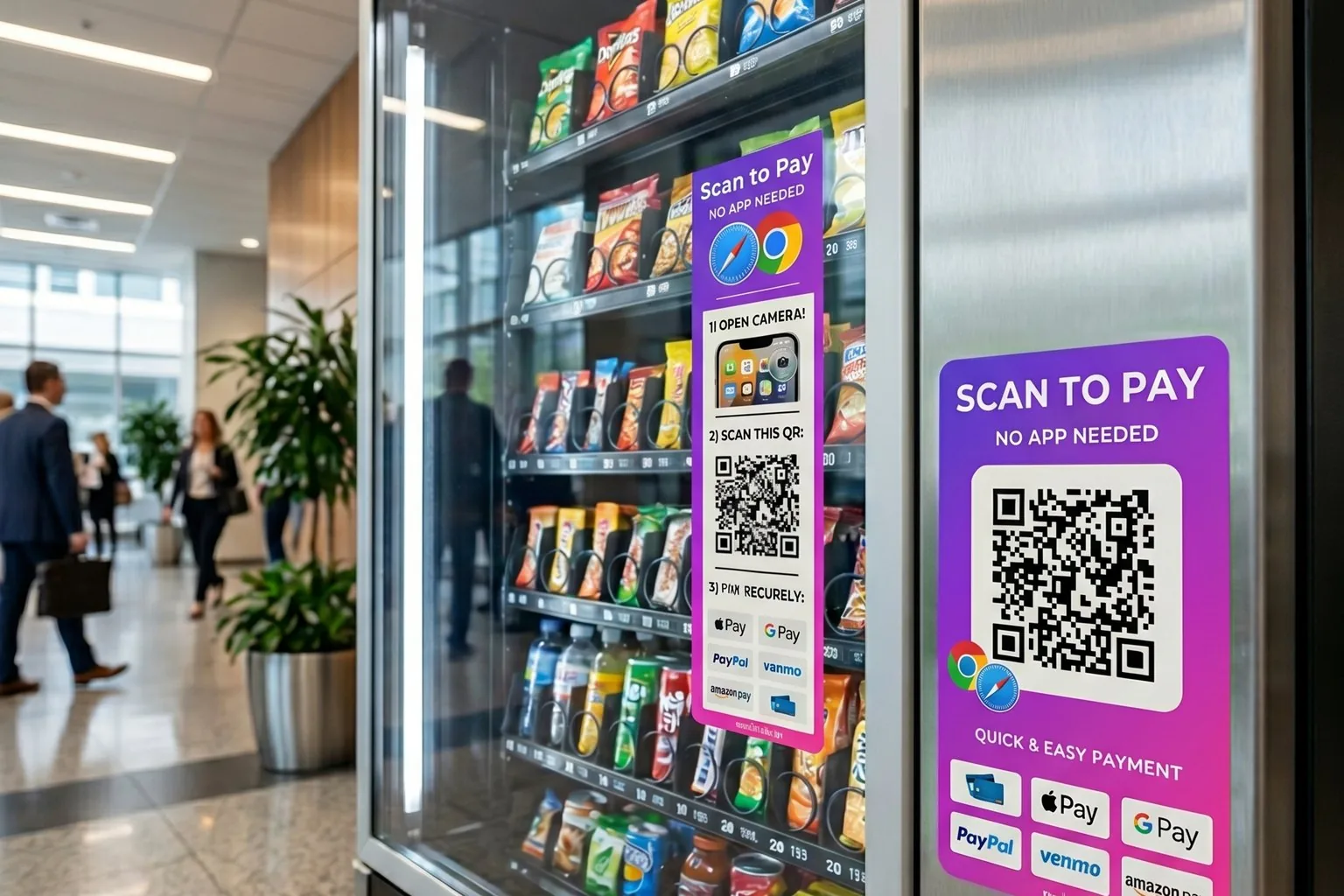
Choosing an unattended payment system used to mean picking a card reader. Today the choice is wider, and it decides more than how a payment is accepted. It decides how much each machine earns. This guide gives you five questions to ask before you commit, whether you call it an unattended payment system, a machine payment system or simply cashless for your machines.
The starting point is that cashless already carries most machine sales. In 2024, cashless payments made up 71% of vending machine sales, and the average cashless purchase was $2.24 against $1.78 for cash, according to transaction data reported by PaymentsJournal. So the question is no longer whether to accept cashless. The question is which kind.
First, Where Card-Present Payment Came From
Card-present payment, the tap or insert on a POS terminal, is excellent technology. It moves a payment securely from a card to a merchant in a couple of seconds, and it has earned the trust of shoppers everywhere.
It was designed for a specific place, though. It was built for in-store retail. A shop has a cashier, a counter, a basket worth tens of dollars and one terminal that serves hundreds of customers a day. The terminal has a single job, which is to take the payment at the end of a sale that a person and a store already made.
An unattended machine is a different environment. Compare the two.
| In-store retail | Unattended machine | |
|---|---|---|
| Staff | A cashier helps, upsells and solves problems | Nobody is there |
| Purchase size | A full basket | A snack, a wash cycle, a game |
| Payment device | One terminal serves the whole store | One device is needed on every machine |
| Who sells | The store, the shelf and the staff | Only the machine, unless the payment step sells too |
| Customer relationship | Loyalty cards, receipts, a familiar face | Anonymous, unless the customer is on their phone |
When retail technology is moved onto a machine, two things happen. The cost of a dedicated terminal is spread over small purchases on a single machine. And the terminal still does its one job, taking the payment, in a place where nobody else is doing the selling.
This is why a second approach has grown up beside it. The payment moves from card present to card not present, which is how e-commerce works. The customer pays on their own phone, and the machine gets what an online store has: offers, bundles, loyalty and a customer who can come back. Keep this in mind as you go through the five questions.
Question 1: What Should the Payment Do for Your Business?
Start here, because the answer rules options in and out. There are two possible goals.
The first goal is to accept payments. The customer taps, the machine starts, and the money arrives. Any certified reader does this well.
The second goal is to grow revenue per machine. Here the payment moment is also a sales moment. The system can suggest a second item, offer a bundle, reward a returning customer or sell a monthly plan. Same machines, same traffic, more revenue.
Most operators say they want the second goal and then buy a system built for the first. Decide which one you are buying before you compare anything else.
Question 2: How Will Your Customers Pay?
There are three ways a customer can pay at a machine without cash. They suit different sites and different customers.
| Approach | What the customer does | Where it fits and where it stops |
|---|---|---|
| Card reader or POS terminal | Taps or inserts a card, or taps a phone, on a device on the machine | Strong for high-ticket, high-volume sites. It takes the payment and stops there |
| Phone payment with an app | Downloads the provider's app, creates an account, loads a balance, then pays | Works for regulars who already have the app. A new customer has to install and register first |
| Phone checkout with no app | Opens a checkout page in the phone's browser and pays in one tap with a wallet, or scans a card | Works for any customer with a phone. Offers, bundles and loyalty are built in, with nothing to install |
A POS terminal is the right tool in the right place. It suits high-ticket, high-volume locations such as fuel stations, where every customer expects a card slot and a fast tap. It also suits sites where many customers prefer a physical card, such as senior living communities.
A machine that sells a snack, a wash cycle or a game is a different case. The purchase is small, and the customer is holding a phone. Younger customers in particular expect to pay on that phone, and they will not install an app for a purchase that takes ten seconds. A browser checkout meets them there. It is a card-not-present payment, like an online store, with no download and no account.
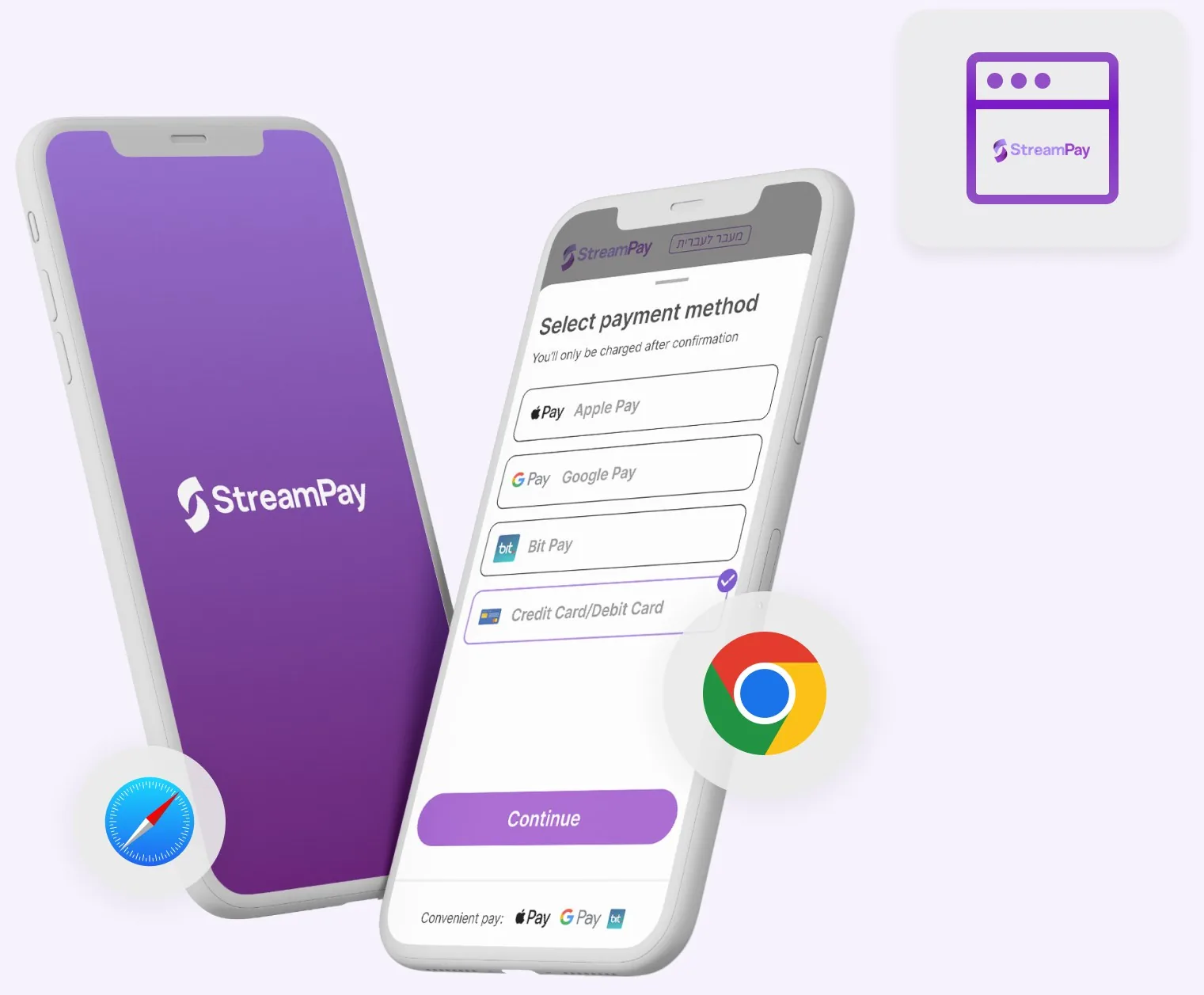
The approaches can live on the same machine. Many operators keep a reader for customers who want to tap a card and add the phone checkout for everything a reader cannot do. For a closer look at the difference in one segment, see our guide to the arcade cashless payment system.
Question 3: Does It Fit the Machines You Already Own?
A payment system is only useful if it can tell your machine to start. Check the interface before you check the price list.
Vending machines usually speak MDB, a standard that lets the payment device and the machine exchange messages about credit, price and vend result. Many laundry, car wash, air and vacuum, and amusement machines use a pulse interface, where the payment device sends electrical pulses that the machine reads as coins.
Ask the vendor three things. Which interfaces are supported? Has the system run on your exact machine models? And does the machine confirm delivery, so a customer is not charged for a failed vend? Then test one machine of each type before you order for the fleet.
Question 4: What Can You Run Remotely?
Every visit to a machine costs fuel and time. The software behind the payment decides how many of those visits you can skip.
At a minimum, look for sales per machine in real time, alerts when a machine stops selling, and settlement records you can match to each machine. Beyond that, the better platforms help you decide what to do next. Inventory forecasting tells you what to load before the machine runs out. Route planning tells you which machines are worth a stop today.
This is where labor cost per machine goes down. A small team that knows where to go can run more machines than a large team that drives a fixed route.
Question 5: Can It Grow With You?
The system you choose for fifty machines should still work at five hundred, and in the next country.
- Payment methods. Contactless cards and the main wallets are the baseline. If you serve tourists or operate abroad, check local payment methods and currencies.
- Security. For card readers and terminals, ask which approvals the device holds. The PCI Security Standards Council publishes the list of approved devices, and you can read how the program works on the PCI page for point of interaction devices.
- Machine types. If you run vending today and laundry tomorrow, one platform for both saves you a second system.
- Support. Ask who answers in your country and time zone, and how fast.
A Simple Scorecard
Put each vendor through the same five lines. A system that only answers the first line is a reader. A system that answers all five is a platform.
- It accepts the payment methods my customers use.
- It lets me sell more at the payment moment, with offers, bundles, loyalty or subscriptions.
- It works on my machine models without replacing them.
- It shows me every machine remotely and helps me plan routes and stock.
- It covers the countries and machine types I plan to add.
StreamPay is built to answer all five. Its core is the no-app phone checkout, which supports 80+ payment methods and 40+ currencies across 110+ countries. It also offers an NFC Reader and a TSYS-certified Android POS for sites that need card-present payments, connects through MDB and pulse, and adds AI tools for inventory and routes on one cloud platform. You can compare the options on the StreamPay solutions page, or see the wider market in our list of the best unattended payment solutions.
Frequently Asked Questions
What is an unattended payment system?
An unattended payment system accepts a payment at a machine with no staff present and tells the machine to deliver the product or start the service. It includes a way for the customer to pay, a controller that signals the machine and software where the operator sees sales. Some people call it a machine payment system.
Is a card reader enough for my machines?
A card reader is enough if your only goal is to accept cards. It will not help you sell more per customer. If you want upsells, loyalty, memberships or subscriptions, you need a screen that belongs to the customer, and that is the phone.
Why does it matter whether the customer needs an app?
Every step before the first purchase loses customers. An app asks for a download, an account and a preloaded balance. A browser checkout asks for none of them. The customer pays in one tap with Apple Pay or Google Pay, or scans a card.
When is a POS terminal the right choice?
A POS terminal is the right choice for high-ticket, high-volume sites such as fuel stations, and for locations where most customers prefer to use a physical card. For small purchases at everyday machines, a phone checkout usually fits better, and the two can run side by side.
Can I keep accepting cash?
Yes. Cashless payment works beside the coin and bill mechanisms on most machines. Many operators keep cash at first and watch the split per machine before deciding where it is still worth the collection trip.
Next Steps
Write down your goal, your machine models and the countries you plan to operate in. Then put two or three vendors through the scorecard. To see how the no-app phone checkout would work on your machines, book a StreamPay demo or email info@streampay.tech.
Ready to modernize your unattended fleet?
See how StreamPay unifies payment hardware, machine telemetry, and cloud operations.
or email info@streampay.tech