Vending Machine Card Reader: A Guide for Operators
How a vending machine card reader works, the main types, what to check before you buy, and how a no-app phone checkout adds revenue per machine.
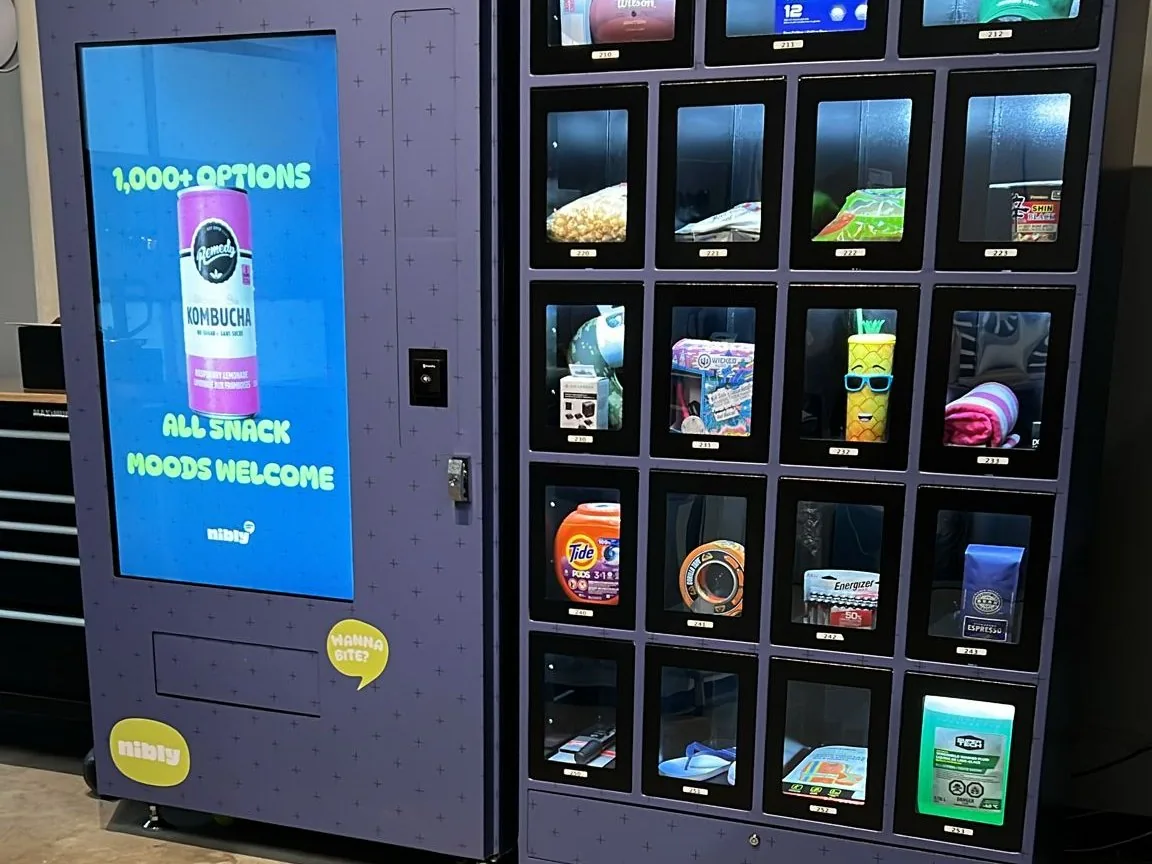
A vending machine card reader is the device that lets a machine accept cards and mobile wallets next to coins and bills, or in place of them. This guide explains how a reader works, the main types, what to check before you buy, how it connects to a machine you already own, and what a reader on its own cannot do for your revenue.
The case for adding one is simple. In 2024, cashless payments made up 71% of vending machine sales, and the average cashless purchase was $2.24 against $1.78 for cash, according to transaction data reported by PaymentsJournal. Most buyers now arrive at the machine without cash, and those who pay without cash spend more per purchase.
What Is a Vending Machine Card Reader?
A vending machine card reader is a payment device mounted on the front of the machine. The customer taps or inserts a card, or holds a phone or a watch near the reader. The reader sends the transaction for approval over its own data connection, and once the payment is approved it tells the machine to release the product.
Operators also call it a vending machine credit card reader or a cashless reader, and a machine that carries one is often described as a cashless vending machine. The names differ, the job is the same. The reader replaces the coin slot as the main way to pay, and it reports each sale to a cloud account so the operator can see what the machine sold without opening it.
A reader is one part of a wider setup. If you are still comparing whole platforms and not only the device, start with our guide on how to choose an unattended payment system.
Types of Card Readers for Vending Machines
Readers for vending machines fall into three groups. The right one depends on your customers and on how much the machine needs to show them before they pay.
Contactless readers
A contactless reader accepts a tap from a card, a phone or a watch. It is compact, it has no slot that can jam, and it fits the narrow space on the door of most machines. It suits busy locations where speed matters most, such as offices, campuses and transit sites.
Full card readers
A full card reader adds chip insert, and sometimes swipe, to the tap. Operators choose it where a share of customers still carry cards without contactless, or where the acquirer asks for chip acceptance.
Touchscreen POS terminals
A touchscreen POS terminal combines the payment with an on-screen flow. The customer can browse products, pick a quantity and read instructions before paying. It suits smart machines and coolers with a wide product range.
How a Card Reader Connects to the Machine
Buying the reader is the easy part. The link between the reader and the machine decides whether the installation works on the first day.
Most vending machines speak MDB, a standard that lets a payment device and the machine controller exchange messages about credit, price and the result of the vend. A reader that supports MDB can usually be added to an existing machine without replacing the machine. Some older or simpler machines use a pulse interface instead, where the payment device sends electrical pulses that the machine reads as coins.
The reader also needs a data connection to approve each payment. Most use a cellular modem, and some use Wi-Fi or Ethernet. Signal strength inside a building is worth testing before you commit, because a slow approval at the machine often ends with the customer walking away.
Ask every vendor three questions. Which interfaces does the reader support, and has it been proven on your machine models? Does the machine confirm that the product dropped, so a customer is not charged for a failed vend? And what happens to a transaction when the connection drops halfway through?
What to Check Before You Buy
Use this checklist to compare readers. It covers daily operation, which matters more over the life of the machine than the day of the purchase.
| Area | What to check |
|---|---|
| Security approval | Whether the device model appears on the card industry's list of approved devices |
| Payment methods | Contactless cards, chip, Apple Pay, Google Pay and the local methods your customers use |
| Machine interface | MDB or pulse, with proof that it works on your machine model |
| Connectivity | Cellular, Wi-Fi or Ethernet, and behavior when the signal is weak |
| Installation | Mounting, cabling and the time one machine takes to fit |
| Remote management | Price changes, software updates and fault alerts without a site visit |
| Reporting | Sales per machine and per product, and settlement records you can match to each machine |
| Total cost | Hardware, monthly fees and transaction fees, written down for a typical month |
| Revenue tools | Anything beyond taking the payment, such as offers, bundles, loyalty or memberships |
On security, the reference point is the PCI Security Standards Council. Independent laboratories test payment devices against its requirements, and the Council publishes the list of approved models. You can read how the program works on the PCI page for point of interaction devices. Ask each vendor which approvals and processor certifications the reader holds, and ask to see the documents.
Card Reader, Phone App or Phone Checkout With No App
Card-present payment is excellent, secure technology. It was built first for in-store retail, where a cashier scans the basket, suggests an extra item and hands over a loyalty card. The reader only had to take the payment, because the store did everything else.
A vending machine has no cashier and no store around it. That is why operators now weigh three ways to pay at the machine, and many use more than one.
| Way to pay | What the customer does | What the operator gets |
|---|---|---|
| Card reader | Taps or inserts a card, or taps a phone | A fast, familiar payment and a sales record |
| Phone payment with an app | Downloads an app, registers, then pays | A known customer, but only among those who agree to install the app |
| Phone checkout with no app | Opens a checkout page in the phone browser and pays in one tap | The payment plus offers, bundles and loyalty for every buyer |
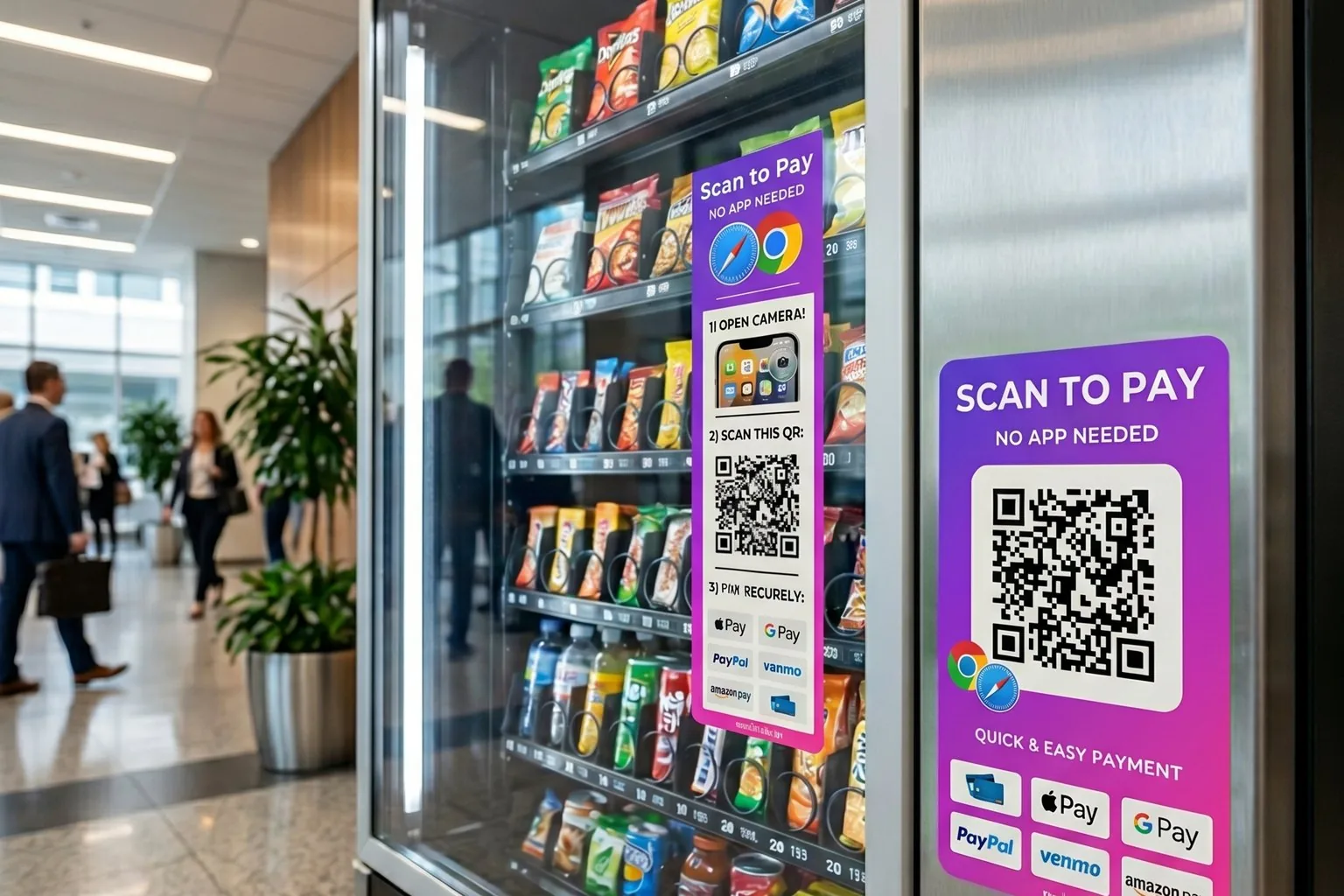
The step that separates the second row from the third is the download. An app asks a thirsty customer to install software and create an account before the first purchase, and many will not. A checkout with no app asks for nothing. The customer pays in one tap with Apple Pay, Google Pay or any other payment method, or scans a card with the phone camera.
What a Card Reader Cannot Do
A reader accepts the payment and stops there. It has no room to make an offer, and it does not know who the customer is or whether they bought yesterday.
A phone checkout works like an online store that opens at the machine. Take a simple vending example. A customer picks a drink, and the checkout page offers a snack with it as a bundle of two items. Some customers accept, and the sale grows without a second machine, a second visit or a price change. The same page can run a loyalty program, hold stored value or check age before a restricted sale.
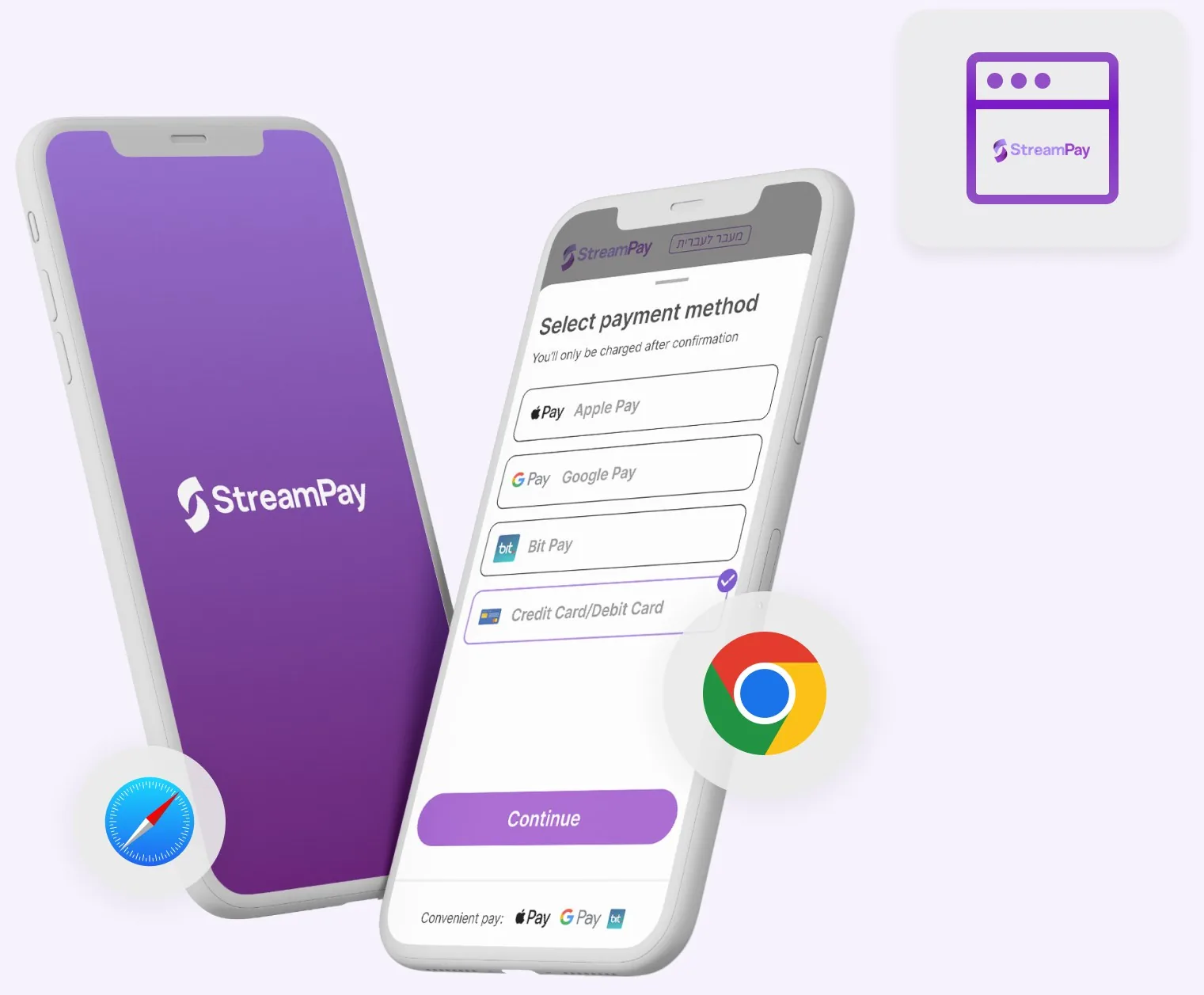
This changes what you measure. With a reader alone, you know that a payment went through. With a phone checkout, you also see how much each customer spent and whether they returned. Operators who want both keep a reader on the machine for customers who prefer to tap a physical card, and add the phone checkout for everything a reader cannot do.
How StreamPay Fits
StreamPay is the intelligence layer for unattended machines. Its focus is the no-app phone checkout described above, built to raise revenue per machine, with card-present hardware for sites that want it.
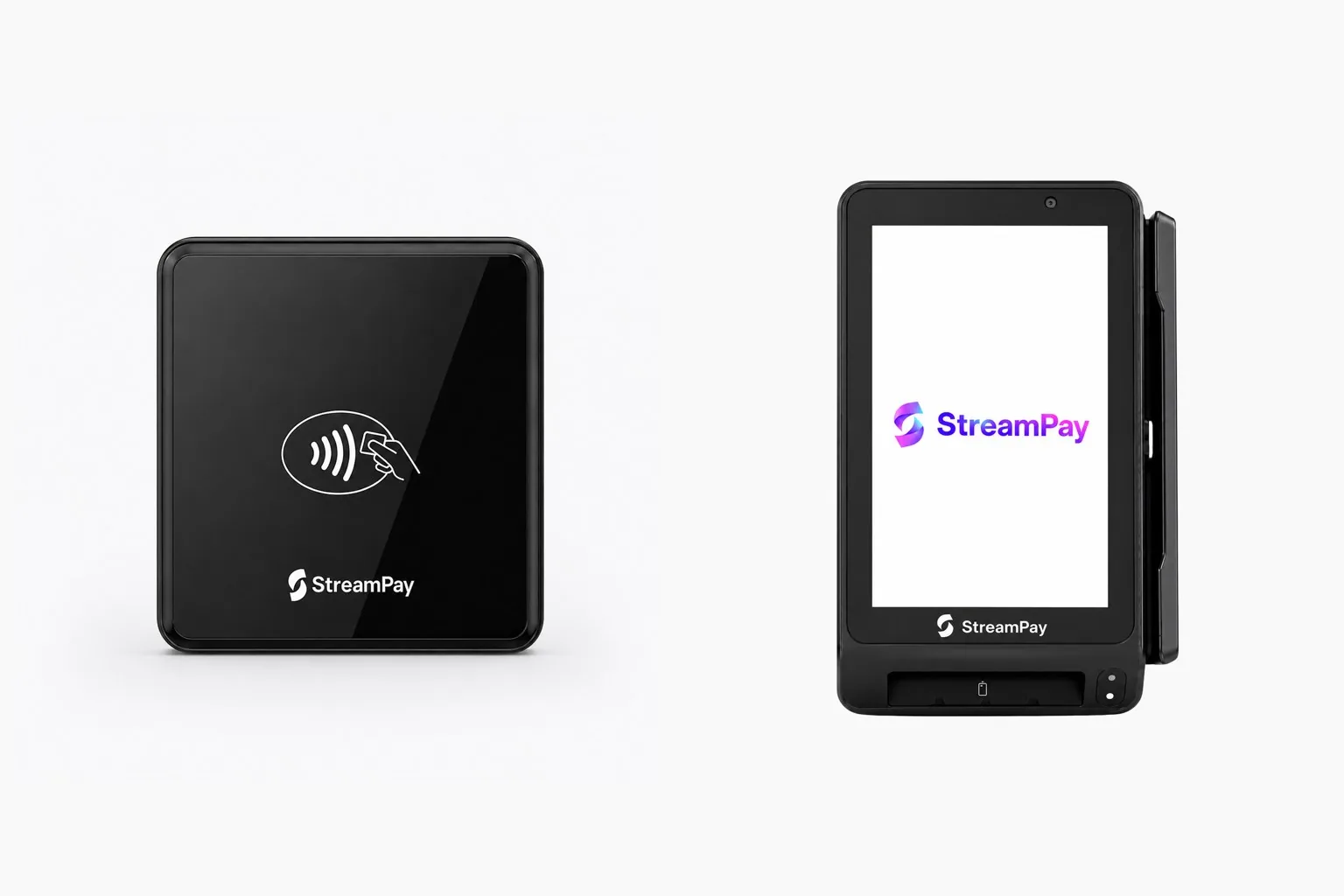
For card-present payments, StreamPay offers an NFC Reader for tap payments and a TSYS-certified Android POS with a full touchscreen. Both connect through standard MDB and pulse interfaces, so the machines you own stay in place. The phone checkout supports 80+ payment methods and 40+ currencies across 110+ countries.
One cloud platform sits behind every machine, with AI tools that help a small team run a larger fleet: an operator copilot for questions about the machines, Inventory AI for restock priorities and a route planner. See how it applies to your machines on the StreamPay vending page, or compare the hardware on the solutions page.
Frequently Asked Questions
Can I add a card reader to an old vending machine?
Yes, in most cases. If the machine supports MDB, a compatible reader connects to the existing controller. Some older machines need a pulse connection instead. Test one machine of each model before you order for the whole fleet.
Does a vending machine card reader need Wi-Fi?
It needs a data connection, and Wi-Fi is only one option. Most readers use a built-in cellular modem, which avoids depending on the location's network. Check the signal at the exact spot where the machine stands.
Which payment methods should a vending machine card reader accept?
At a minimum, contactless cards, Apple Pay and Google Pay, since those cover most cashless purchases at machines. Add chip insert if your customers or your acquirer need it, and check local payment methods if you operate in more than one country.
Is a vending machine credit card reader secure?
A reader from a serious vendor is tested by an independent laboratory against card industry requirements, and card data is encrypted inside the device. Ask the vendor which approvals the model holds and confirm them on the published list.
Do I still need to accept cash after adding a reader?
That depends on the location. Many operators keep cash on machines where part of the audience still uses it, and review the cash share after a few months. The sales report from the reader will show you how fast the mix is changing.
Is a card reader enough, or should I add a phone checkout?
A reader is enough if your only goal is to accept cards. If you want bundles, loyalty or repeat-purchase offers, you need a screen that belongs to the customer, and that is the phone. The two work on the same machine.
Next Steps
List your machine models and their interfaces, check the signal at each location, and compare vendors against the checklist above. Then decide whether you only want to accept cards or also want to grow what each customer spends. To see a reader and the no-app phone checkout working on a machine like yours, book a StreamPay demo or email info@streampay.tech.
Ready to modernize your unattended fleet?
See how StreamPay unifies payment hardware, machine telemetry, and cloud operations.
or email info@streampay.tech